Self-hosted  ·  Open source  ·  Docker Compose

AIFSTUDIO

Interactive Fiction, your way

Discover, play, and author Interactive Fiction — all in your browser, on your own server. Z-machine, Glulx, and TADS out of the box. Inform 7 authoring with AI assistance.

[ DEPLOY NOW ] [ VIEW SOURCE ]
──────────────────────────────────────────────────────────────────────────────
> CAPABILITIES
Everything you need to run IF

A complete platform for interactive fiction — from browsing the IFDB catalogue to compiling your own Inform 7 stories, all running on your own hardware.

IFDB Catalogue
Browse thousands of published IF titles from the Interactive Fiction Database, filtered to formats your server can run.
Play in the Browser
Z-machine (.z3–.z8, .zblorb), Glulx (.ulx, .gblorb), and TADS 2/3 (.gam, .t3) via dfrotz, glulxe, and frob.
Durable Sessions
Save files and transcripts persisted to local storage. Resume any game in under 200 ms — even after container restarts.
Inform 7 Authoring
Create Inform 7 projects, compile on the server, and play your own builds immediately — no local toolchain needed.
AI Workspace
Write and iterate on Inform 7 source with an AI assistant. Generate story text, puzzle logic, and room descriptions.
Voice I/O
Optional Web Speech API integration. TTS reads interpreter output; STT captures commands hands-free. Toggles persist per browser.
Multi-User
Local session auth with bcrypt passwords. Each user has their own run history, projects, and save files.
Zero Cloud Dependencies
SQLite for metadata. Local filesystem for storage. No GCP, no Firebase, no S3. Runs on any machine with Docker.
Community Builds
Share compiled stories with other users on the same instance. Browse and play what others have authored.
──────────────────────────────────────────────────────────────────
> SUPPORTED FORMATS
Broad format support

Powered by the most widely-used open-source IF interpreters. If IFDB knows about it and it runs on one of these engines, AIFStudio can play it.

.z3 / .z4 / .z5
.z6 / .z7 / .z8
.zblorb
.ulx
.gblorb
.gam (TADS 2)
.t3 (TADS 3)
Inform 7 source
──────────────────────────────────────────────────────────────────
> SCREENSHOTS
See it in action
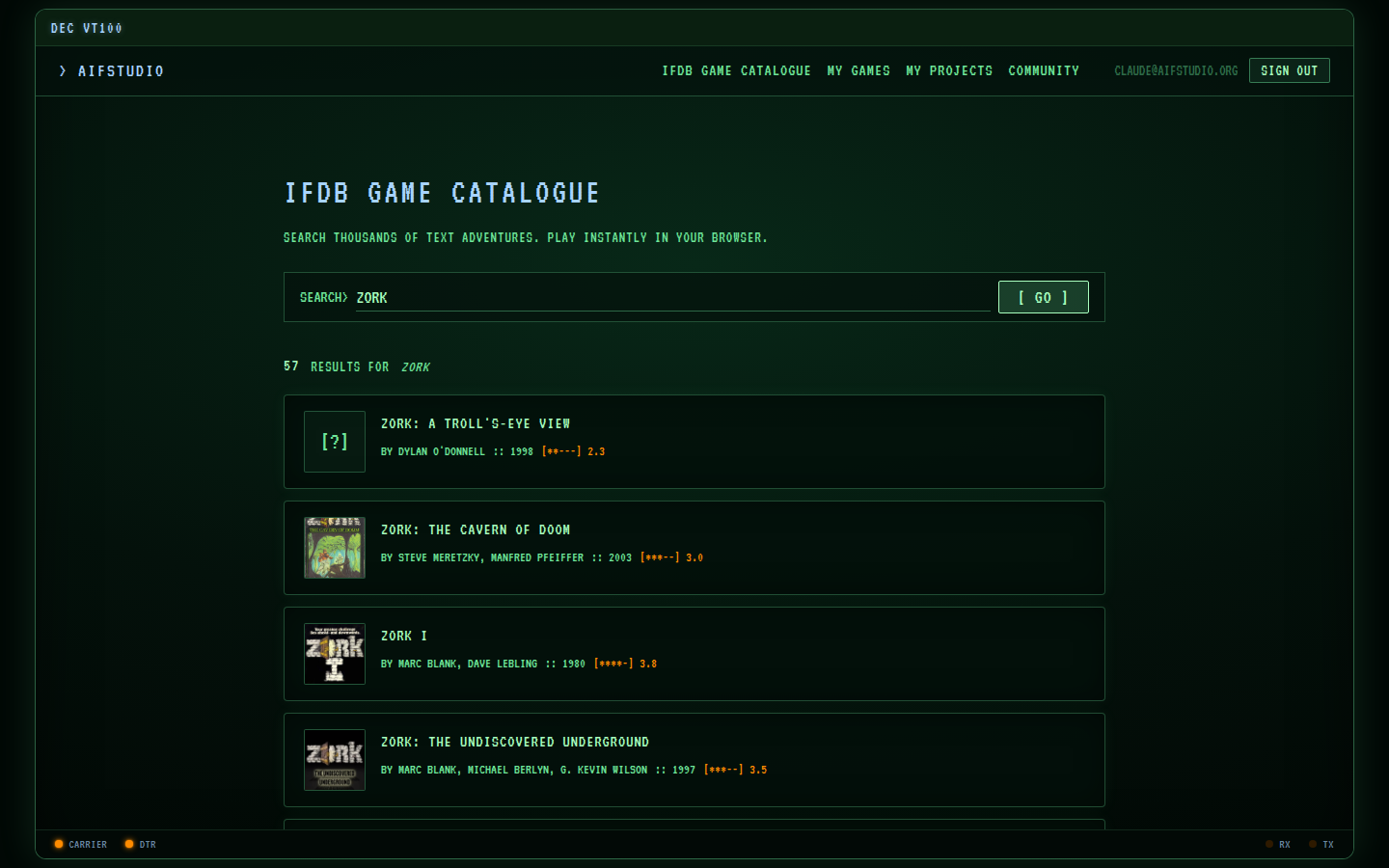
IFDB Game Catalogue — search results showing Zork titles with cover art

IFDB Catalogue

Browse thousands of published Interactive Fiction titles. Filter by genre, author, or format. One click to start playing.
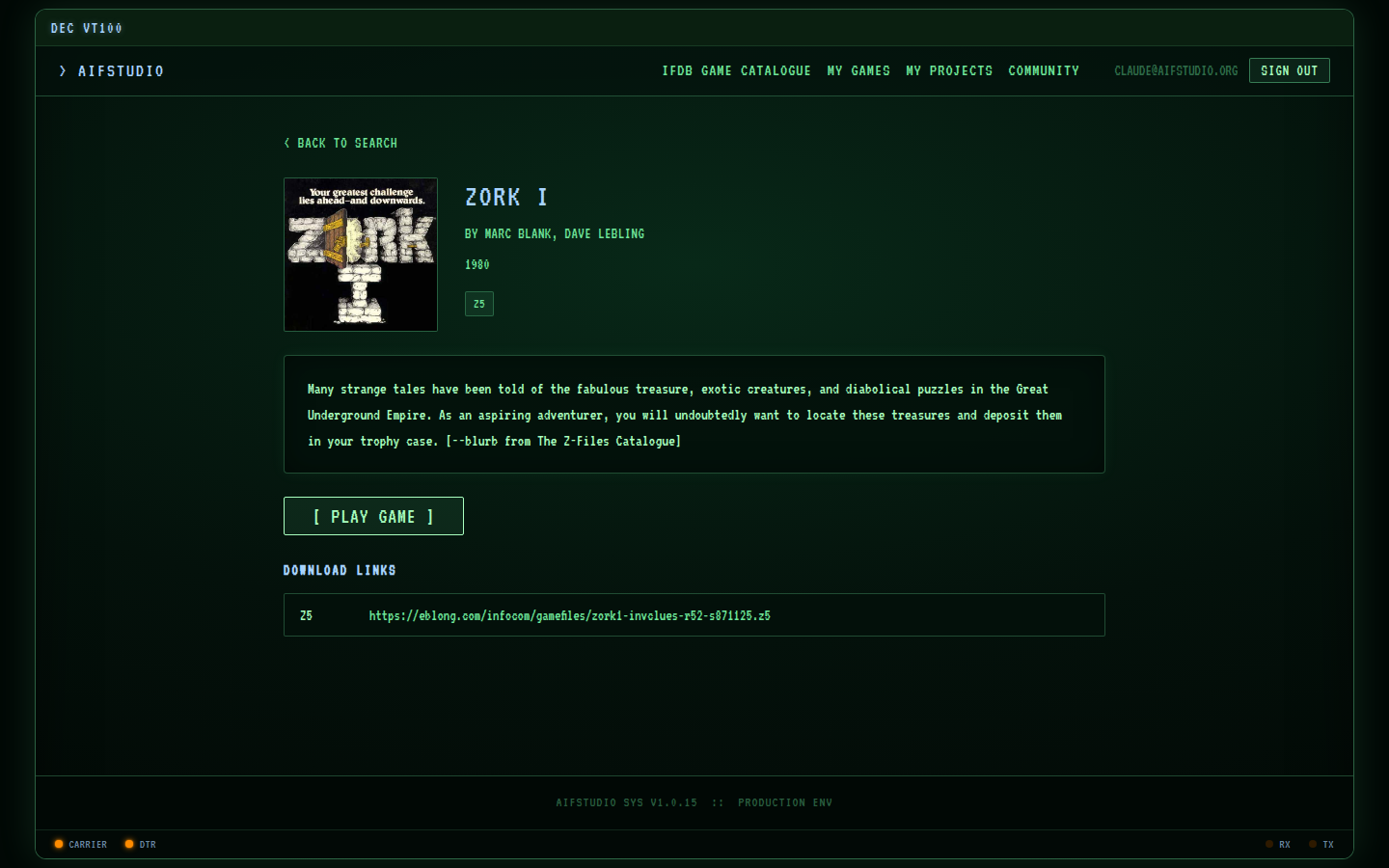
Zork I game detail page with cover art and Play Game button

Game Detail

Cover art, author info, rating, and a direct Play button. No setup, no downloads — the interpreter runs server-side.
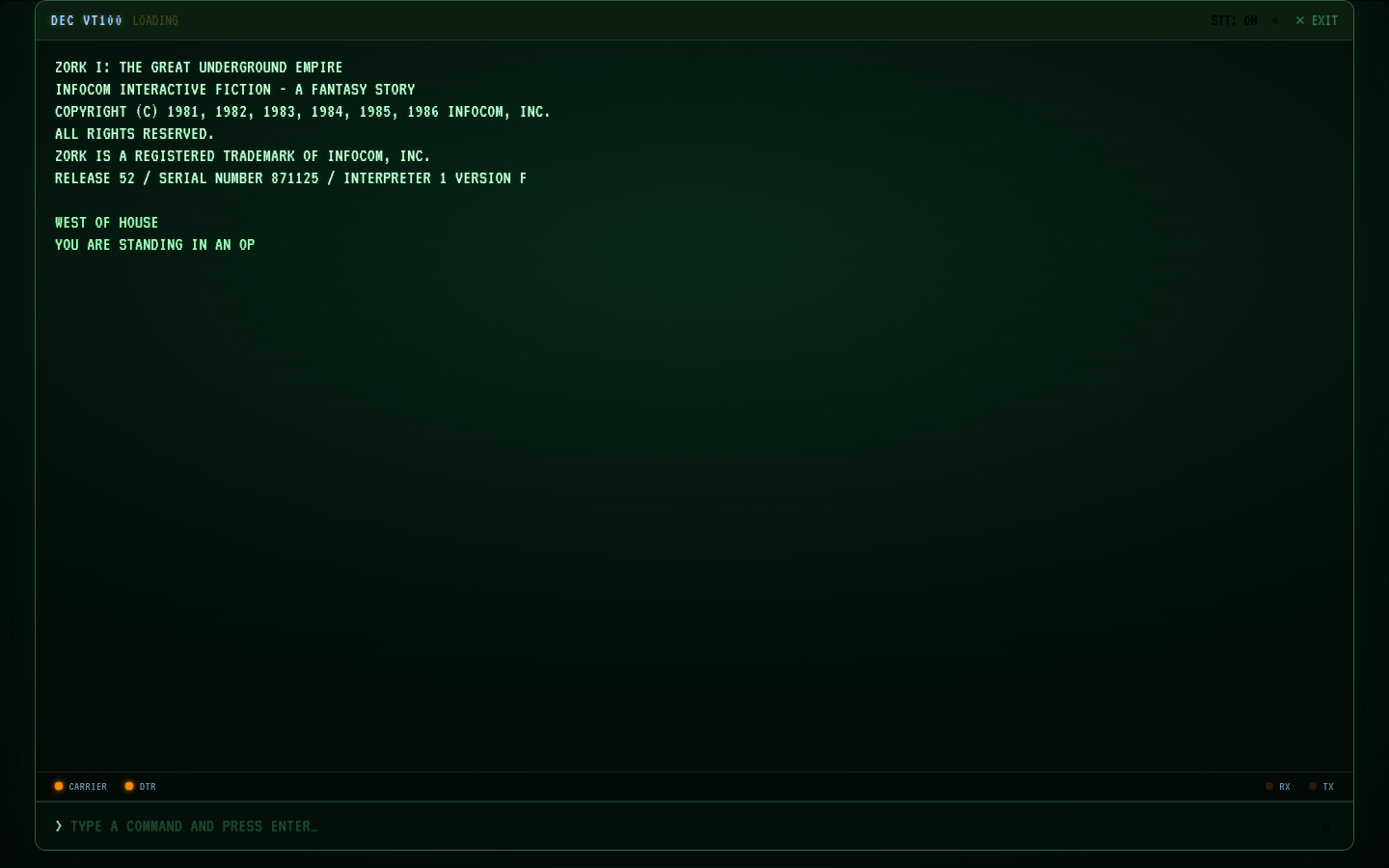
Playing Zork I in the browser — terminal interface showing game output

Play in the Browser

A faithful terminal-style interface for the classic IF experience. Full keyboard control, save/restore, and transcript download.
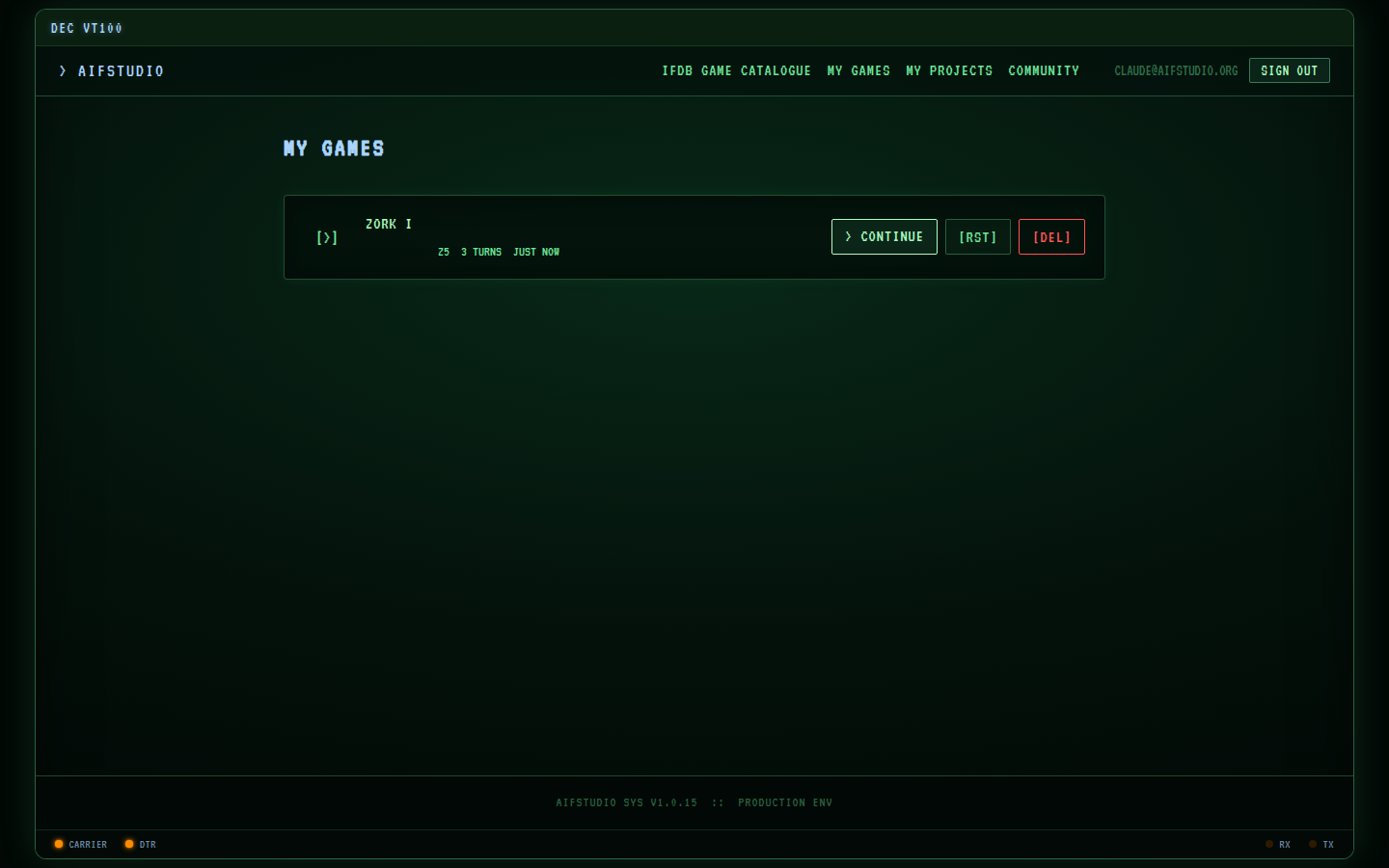
My Games history page showing Zork I session with Continue button

Game History

Every session is saved. Pick up exactly where you left off — continue, restart, or delete any game from your history.

SCREENSHOT PLACEHOLDER
INFORM 7 AI WORKSPACE

AI Authoring Workspace

Write Inform 7 source with AI assistance. Compile and play your story without leaving the browser.

──────────────────────────────────────────────────────────────────
> DEPLOYMENT
Up in four commands

AIFStudio ships as a single Docker image. All you need is Docker Compose.

01

Clone and configure

Copy the example config and set your OpenAI key if you want AI features.

git clone https://github.com/vpoluyaktov/aifstudio.git
cd aifstudio
cp .env.example .env
# edit .env — set OPENAI_API_KEY
02

Create data directories

SQLite and file storage live on the host so data survives container updates.

mkdir -p data/db data/storage
sudo chown -R 999:999 data/
03

Start the service

docker compose up -d
04

Open and register

Navigate to the app, create your account, and start playing.

http://localhost:9901/register
TO UPDATE
docker compose pull && docker compose up -d
──────────────────────────────────────────────────────────────────